

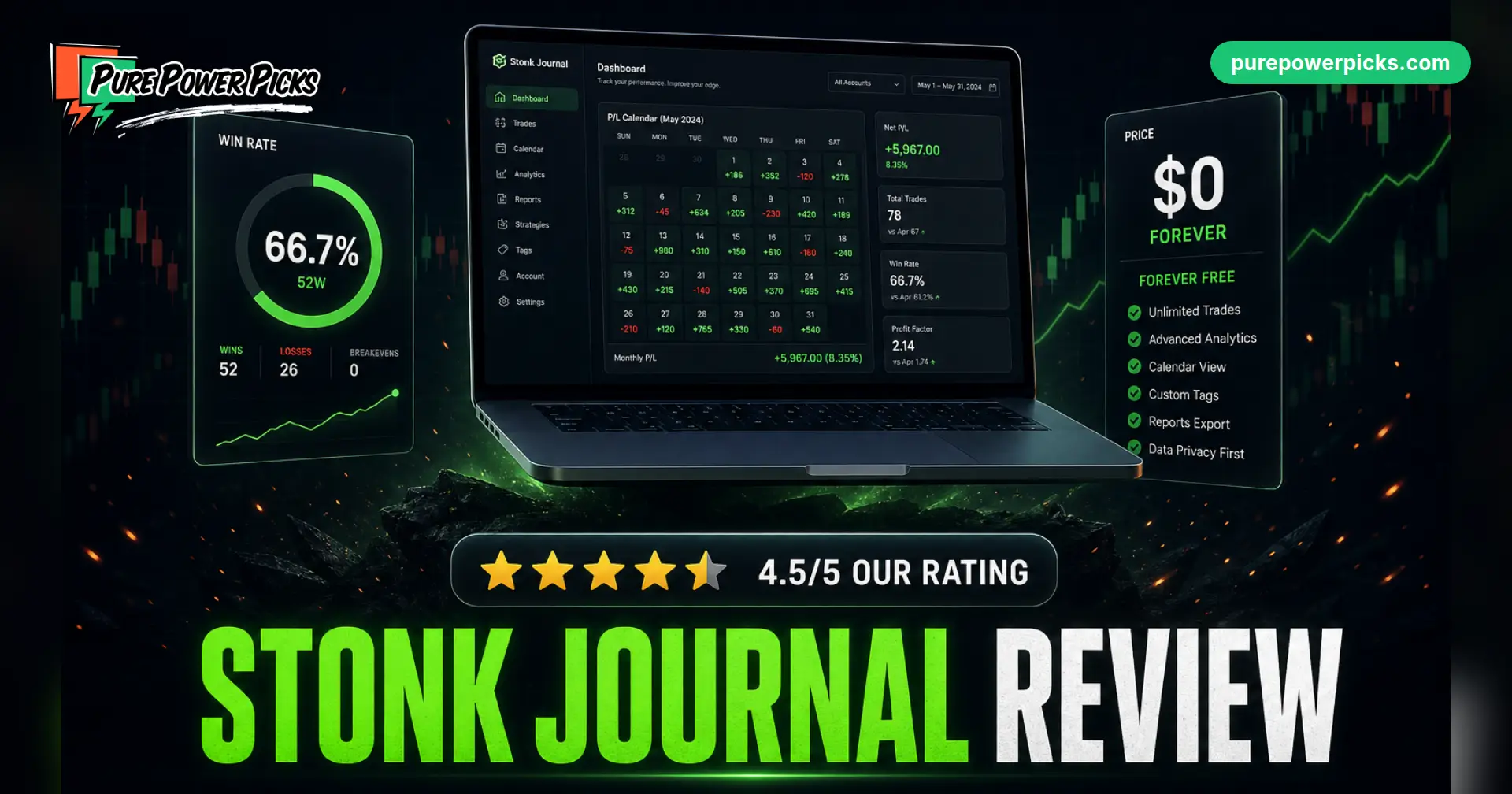
Stonk Journal Review (2026): Is It Worth It for Options Traders?
Ask any trading forum “what’s a good free trading journal?” and the same name keeps surfacing: Stonk Journal. Unlike most freemium tools, its free tier isn’t a seven-day tease. It’s the actual product. We dug through it to answer the real questions: what do you get, what’s the catch, and when does a spreadsheet or a paid platform serve you better?
Verdict: the best genuinely free hosted trading journal we have found. Unlimited trades, no ads, multi-leg options support, and real analytics with no paywall in front of the core product. It loses half a star for manual entry on the free tier and for what every journal lacks by design: it records your trades but will never find you the next one.
👍 What we love
- Truly free: unlimited trades, no time limit
- Multi-leg options support (rare for free)
- P/L calendar, tags, confidence meter, chart screenshots
- No ads, no selling your data
- CSV export: your data stays yours
👎 What we don’t
- Manual entry unless you pay for Pro ($10/mo)
- Interface is functional, not gorgeous
- No research layer: it grades the past, not the future
- Donation-supported core, so power features live in Pro
Weighted score: 8.6/10 → 4.5/5 stars. Scored through an options trader’s lens. Pricing and plan limits are verified directly against the vendor’s own pricing page and documentation on the date shown above. When we have hands-on time with a platform, we say so explicitly.
Stonk Journal gives you a genuinely free, unlimited trading journal with real options support. Its only costs are the discipline to log trades manually, and the one thing no journal can do: find your next trade.
What Is Stonk Journal?
Stonk Journal is a free online trading journal: you log your trades, it turns them into statistics. The name is a meme, the product is not. Behind the joke branding sits a surprisingly complete journaling app: a trade log with tags and notes, a P/L calendar, performance reports, and support for stocks and multi-leg options positions.
The business model is the interesting part. The core journal is free with no trade limits and no time limits, supported by donations and an optional Pro tier. There are no ads, and the developer states plainly that user data is not monetized. In a category where “free” usually means “free trial,” that stance has earned it a loyal following.
Stonk Journal Pricing: Free vs Pro
| Plan | Price | What you get |
|---|---|---|
| Free | $0, forever | Unlimited trades, full analytics and reports, P/L calendar, tags and notes, image attachments, confidence meter, multi-leg options, multiple accounts, multi-currency, risk rules, CSV export, PWA for your phone |
| Pro | $10/month | Everything above, plus Smart Import (broker auto-import), AI Coach, and AI Chat |
That’s the whole menu. Two tiers, no feature maze, no “contact sales.” For context, most serious journal platforms start around $26 to $35 a month (see our TradeZella review and Edgewonk review). Stonk Journal’s free tier covers what several of those charge for at entry level.
Feature Walkthrough: What Logging a Trade Actually Looks Like
Each journal entry carries the essentials plus the good stuff most spreadsheets skip:
- Tags: label trades by setup, mistake, strategy, or mood. Tag management is built in, so your taxonomy doesn’t rot.
- Confidence meter: rate how sure you felt going in. Comparing confidence against outcomes is one of the most humbling reports you will ever run on yourself.
- Image attachments: drop your chart screenshots directly on the trade, entry and exit marked. Future you will thank present you.
- Notes: the “why” field. The trades that hurt most make the best reading six weeks later.
On the analysis side you get actionable stats and reports, a P/L calendar that shows your month at a glance, hold-time tracking, and quick filters to slice everything by tag, setup, or account. Multiple accounts and multi-currency support (with forex rates) are free, which matters if you run separate cash and margin accounts or trade in more than one currency.
Quality-of-life touches: it installs as a PWA so it lives on your phone like an app, there’s live chat support, privacy toggles let you share a single trade publicly or keep everything locked, and CSV export means your history is never hostage.
How Good Is Stonk Journal for Options Traders?
Better than almost any free tool. Multi-leg positions are supported, so your verticals and iron condors log as what they are instead of being faked as single legs. Two honest gaps remain:
- Manual entry on the free tier. Logging a few spreads a week is fine. Logging eight a day gets old fast, and auto-import lives in Pro.
- No planning layer. Stonk Journal tells you what happened. It has no watchlist, no research, no alerts feeding it. The journal is your rear-view mirror; you still need a windshield.
Stonk Journal vs TradeZella, Edgewonk, and a Spreadsheet
| Stonk Journal | TradeZella | Edgewonk | PPP free template | |
|---|---|---|---|---|
| Price | $0 (Pro $10/mo) | $26 to $99/mo | mid-tier paid | $0 |
| Auto-import | Pro only | 500+ brokers | varies | no (it’s a spreadsheet) |
| Multi-leg options | yes | yes | yes | yes, position-level |
| Backtesting / replay | no | yes | no | no |
| Owns your data file | CSV export | export | export | the file IS yours |
| Best for | free hosted journaling | data-hungry day traders | behavioral analytics | swing/options traders who want custom stats |
The short version: pick Stonk Journal when free and hosted is the priority. Pick TradeZella when you take enough trades that auto-import and replay earn their subscription. Pick Edgewonk when behavioral analytics is the draw. And pick a well-built spreadsheet when you want your data in your own file forever with custom stats: our free template computes win rate, expectancy, profit factor, R-multiples, an equity curve, and a discipline score automatically, with a dedicated options tab that logs spreads at the position level.
Getting Started (and Actually Sticking With It)
- Create the account, then log your last 10 trades from memory and statements. Ten trades is enough for the calendar and first stats to come alive, and momentum beats intentions.
- Build a small tag set now. Five setup tags and three mistake tags (“chased,” “moved stop,” “oversized”). Sparse tags you use beat a beautiful taxonomy you abandon.
- Use the confidence meter every time. It takes two seconds and produces the most honest chart in the app.
- Review weekly, not daily. Daily stats are noise. Weekly patterns are signal.
A journal tells you what happened. It doesn’t hand you the next trade.
Pure Power Picks sends 3 to 5 researched trade plans a week (reasoning written out, levels drawn on the chart, every alert tracked in public) plus the weekly Watchlist, Trade Planner, and a Trading Room that runs from open to close. Journal the results anywhere you like.
Try the whole system, $0 todayFrequently Asked Questions
Is Stonk Journal really free?
Yes. The core journal is free with unlimited trades and no time limit. It is supported by donations and the optional $10/month Pro plan.
How does Stonk Journal make money?
Donations plus the Pro subscription (Smart Import, AI Coach, AI Chat). The developer states there are no ads and user data is not sold.
Is Stonk Journal legit and safe to use?
It is an established, widely recommended tool in trading communities. It never touches your brokerage account on the free tier (you enter trades manually), and CSV export means you can leave with your data any time. As with any web app, use a unique password.
Does Stonk Journal support options?
Yes, including multi-leg positions, which is rare for a free tool. Entry is manual unless you are on Pro.
Does it work for forex and multiple currencies?
Yes. Multi-currency support with forex rates is part of the free tier, along with multiple accounts.
Is there a Stonk Journal mobile app?
It ships as a PWA: open it on your phone, add it to your home screen, and it behaves like an app. No separate app-store download.
Can Stonk Journal import trades from my broker?
Auto-import (“Smart Import”, which pulls broker exports from the major platforms) is part of the $10/month Pro plan. On the free tier you enter trades manually. CSV export is free, so your history is always portable.
What’s the best free alternative to Stonk Journal?
A structured spreadsheet. Our free trading journal template (Google Sheets, Excel, Notion, and printable PDF) auto-computes win rate, expectancy, profit factor, R-multiples, an equity curve, and a discipline score, with stock and options tabs. Different trade-off: you own the file, but there’s no hosted app.
Stonk Journal vs TradeZella: which should I pick?
Stonk Journal if budget is the constraint. TradeZella if you want broker auto-import, backtesting, and trade replay and will pay $26 to $99 a month for it. Full breakdown in our TradeZella review.
Bottom Line
For $0, Stonk Journal is close to unbeatable: a real journal with real analytics, options support, and none of the usual freemium hostage-taking. Active traders will eventually want Pro’s auto-import or a bigger platform, and every journal user still needs a source of trades worth journaling. But as the place to start building the journaling habit this week, without spending a dollar? Easy recommendation.
Related Reviews
Start here: The Best Trading Journals of 2026, compared
TradeZella · Edgewonk · TraderSync · Tradervue · Free Trading Journal Template

Pure Power Picks publishes research-based platform reviews using official product information, available pricing, product materials, and sourced third-party information. A human editor reviews each article before publication. Our content is educational and does not provide personalized financial advice.