

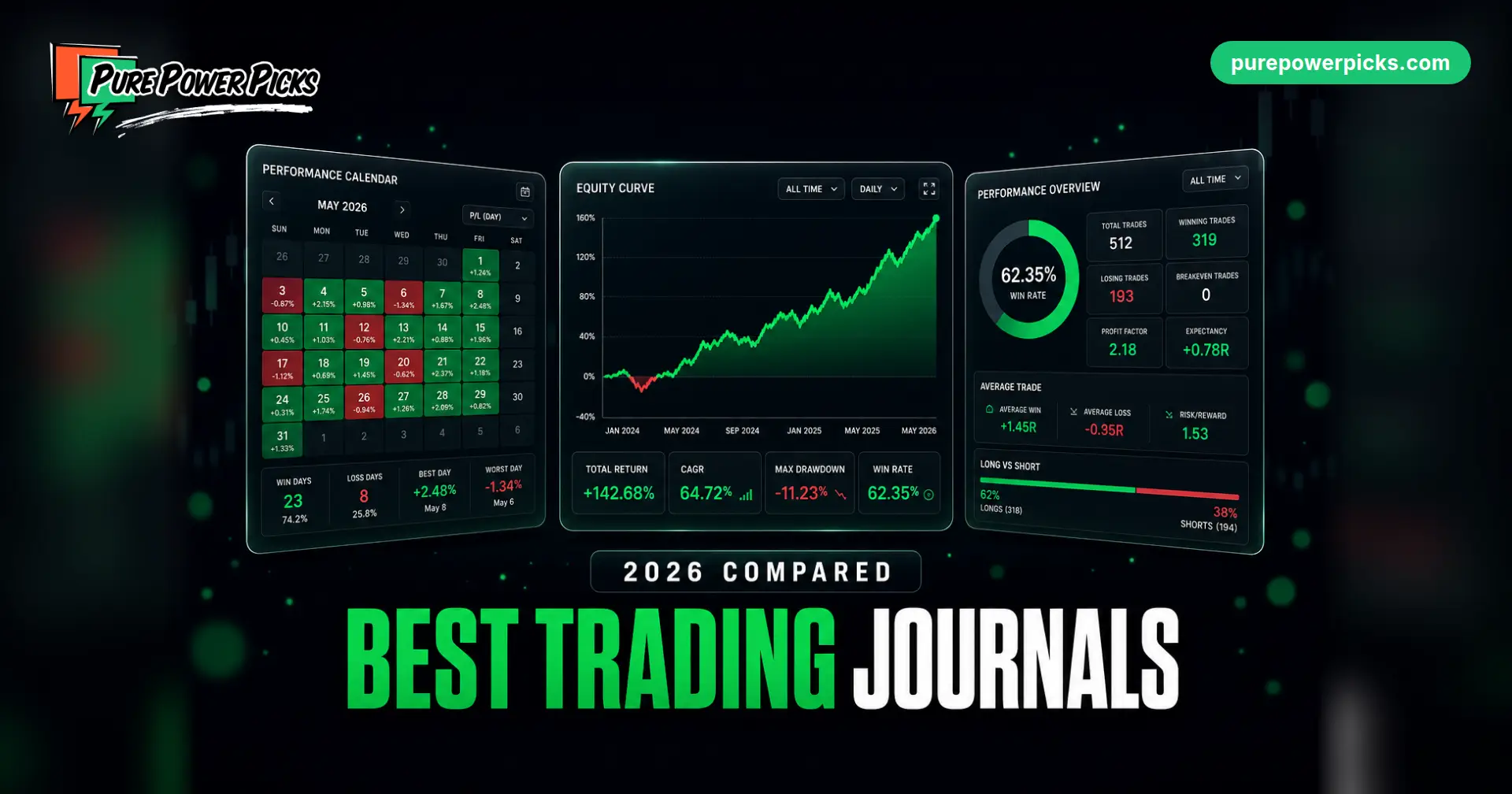
The Best Trading Journals of 2026 (Free and Paid, Compared)
Every trading journal promises the same thing: log your trades, find your leak, stop repeating it. The differences that actually matter are narrower and more practical. What does the free tier really include? Does it import from your broker without a fight? Can it handle a four-leg options position, or does it treat every leg as its own trade? And at what point does a $50 a month subscription stop being worth it for the number of trades you actually take?
We compared six options, from a free spreadsheet to the most expensive platform in the category, and scored them through an options trader’s lens. Here is what each one is genuinely good at, and who should skip it.
The short answer
- Best free option overall: the PPP Trading Journal Template, because it does position-level options math that no free hosted tool does
- Best free hosted journal: Stonk Journal, unlimited trades with no paywall on the core product
- Easiest to actually live in: Tradervue, the one platform on this list we have used ourselves
- Best all-in-one platform: TradeZella, if you trade enough to justify $315 a year and up
- Best flat price: Edgewonk, one plan at $197 a year with nothing held back
Trade volume decides this, not features. Under roughly five trades a day, a free journal or a structured template captures the same insight a $600 a year platform does. Above it, auto-import stops being a convenience and becomes the only reason you will keep journaling at all.
Ours is free with no plan limits: win rate, expectancy, R multiples and a discipline score, and an options tab that logs a spread as one position, not leg by leg.
Google Sheets, Excel, Notion and printable PDF. Free.
The comparison table
| Tool | Free tier | Paid from | Best for | Our rating |
|---|---|---|---|---|
| PPP Journal Template | Yes, everything, forever | Free | Options traders who want real R math without a subscription | Ours |
| Stonk Journal | Yes, unlimited trades | $10/mo (Pro) | The best genuinely free hosted journal | 4.5 / 5 |
| Tradervue | Yes, 30 trades/mo, stocks and ETFs only | $29.95/mo (Silver) | Painless multi-broker importing and deep stats | 4.0 / 5 |
| TradeZella | No | $35/mo, or $26/mo billed yearly ($315/yr) | Journal plus backtesting plus replay in one place | 4.0 / 5 |
| TraderSync | No, 7-day trial | $29.95/mo (Pro) | Widest broker support, AI trade analysis | 3.5 / 5 |
| Edgewonk | No, 14-day refund window | $197/year, one plan | Everything unlocked at one flat annual price | 3.5 / 5 |
Prices confirmed against each vendor’s own pricing page and documentation on August 26, 2026. Vendors change plans often, so check before you buy.
All six, reviewed
1. PPP Trading Journal Template FREE
Google Sheets, Excel, Notion, and printable PDF · $0 forever
We built this because every free journal we looked at made the same compromise on options: log each leg as a separate trade, then do the position math in your head. Ours logs a spread as one row. You enter the net debit or credit per share to open and to close, and it handles the contract multiplier, computes P/L, grades the trade as an R-multiple against the premium you actually risked, and tracks days to expiration.
The stock side is equally direct: 500 pre-wired rows, direction-aware formulas so shorts compute correctly, and a Dashboard that produces win rate, average win versus average loss, profit factor, expectancy, an equity curve, breakdowns by setup and by month, and a discipline score that grades whether you followed your own plan.
👍 Strengths
- Position-level options math, free
- Nothing to subscribe to, nothing to cancel
- Your data is a file you own
- Discipline score separates bad setups from bad execution
👎 Limits
- Manual entry, no broker import
- No replay, no backtesting
- You maintain it
Get the free template (Google Sheets, Excel, Notion, and printable PDF)
2. Stonk Journal ★★★★☆
4.5 / 5 · Free forever, Pro $10/mo
The rare freemium tool whose free tier is the actual product rather than a seven-day tease. Unlimited trades, unlimited accounts, full analytics and reports, a P/L calendar, tags and notes, image attachments, multi-leg options support, multi-currency, risk rules, and CSV export, none of it paywalled. Pro at $10 a month adds Smart Import (broker file auto-import), an AI Coach that flags behavioral patterns, and AI Chat for querying your own trades.
👍 Strengths
- Genuinely free, genuinely complete
- Multi-leg options handled properly
- Cheapest paid upgrade in the category
- Installs as a phone app (PWA)
👎 Limits
- Manual entry unless you pay for Pro
- Smaller operation than the big platforms
- No backtesting or replay
3. Tradervue ★★★★☆
4.0 / 5 · Free (30 trades/mo), Silver $29.95/mo, Gold $49.95/mo
The one we have actually used
Tradervue is the only platform in this roundup we have first-hand time in, so here is the honest version. What stood out was how little friction there was: it was easy to use from the first session, and getting data in from several different brokers was genuinely simple, which is the step that kills most journaling habits. The statistics were the standout, far deeper than anything a spreadsheet gives you without work. Fair caveat on our experience: the feature set is vast and we never got into large parts of it, so treat this as a report on the core journaling loop rather than a verdict on every corner of the product.
Structurally, the free tier is real but narrow: 30 imported trades a month, stocks and ETFs only, with basic reports and no sharing. Options, futures, and forex start at Silver, which also lifts the import cap entirely and adds custom tags, advanced reporting, and trade sharing. Gold adds the analysis people actually upgrade for: trade exit performance, max potential P&L (how much you left on the table), liquidity tracking, and commission reporting. Note that Tradervue bills monthly only, with no annual discount, which is unusual in this category.
👍 Strengths
- Effortless imports across many brokers
- Deep, genuinely useful statistics
- Very easy to get going
- Long-established, mature product
👎 Limits
- Free tier is stocks and ETFs only
- Monthly billing only, no annual saving
- Interface is functional rather than beautiful
4. TradeZella ★★★★☆
4.0 / 5 · No free tier. Essential $35/mo ($26 yearly), Pro $59/mo ($44 yearly), Ultra $99/mo ($74 yearly)
The most polished product in the category, and the only one combining journaling, backtesting, and trade replay in a single subscription. Auto-import covers 500+ brokers. Where it gets expensive is the gap between the tiers: Essential is thinner than the marketing implies, capping you at one account, ten strategies, manual backtesting only, and ten trade replays a month without 1-second charts or AI insights. The AI Agents and full replay that anchor the pitch start at Pro.
👍 Strengths
- Best interface in the category
- Backtest and replay alongside the journal
- Broad broker auto-import
- Existing subscribers keep old pricing
👎 Limits
- No free tier, and the most expensive ceiling here
- Essential tier is heavily capped
- Stocks and futures first, options supported but not spotlighted
5. TraderSync ★★★☆☆
3.5 / 5 · No free tier, 7-day trial. Pro $29.95/mo, Premium $49.95/mo, Elite $79.95/mo
The broadest broker support of anything here, with AI-assisted trade analysis layered on top. The catch is that the AI, which is the reason most people look at it, is metered by tier: Pro caps you at roughly five AI messages a day, Premium raises it to around fifteen, and full AI analysis lands at Elite for $79.95 a month. Solid execution, but you are paying platform prices for a metered feature.
👍 Strengths
- Huge broker import list
- AI trade analysis and replay
- Good mobile app
👎 Limits
- AI is rationed unless you buy Elite
- No free tier
- Tier limits are easy to hit
6. Edgewonk ★★★☆☆
3.5 / 5 · No free tier, 14-day refund window. $197/year, single plan
Edgewonk refuses to tier its features: one price, everything included, which is refreshing next to the three-tier ladders everywhere else. The analytics lean psychological, with tilt tracking and emotional tagging that go deeper into trader behavior than most competitors bother with. It is also the least modern experience here, and the annual-only commitment means you decide up front rather than month to month.
👍 Strengths
- One plan, no feature ladder
- Strongest psychological analytics
- Predictable flat annual cost
👎 Limits
- Dated interface
- Annual commitment, no monthly option
- Import is clunkier than the hosted platforms
How to choose in 60 seconds
Ignore feature lists and answer three questions.
- How many trades a week do you take? Under about ten, manual entry is fine and free wins: our template or Stonk Journal. Above roughly five a day, broker auto-import is the difference between journaling and quitting, so you want Tradervue, TradeZella, or TraderSync.
- Do you trade options? Then check how the tool treats a spread. If it logs each leg separately, your stats will be noise. Our template and Stonk Journal both handle multi-leg positions properly.
- Do you want the journal to do more than journal? Backtesting and replay only exist meaningfully in TradeZella. If you want to test a setup and then grade your execution of it in the same tool, that is what you are paying the premium for.
A note for options traders
Most journals are built stock-first, and it shows the moment you log a vertical spread. The tool records four separate fills, your trade count inflates, your win rate distorts, and your average-win math stops meaning anything.
What you want is position-level logging: one row per position, net debit or credit to open and to close, the 100x contract multiplier applied for you, and R graded against the premium actually at risk rather than against the underlying’s price move. Days to expiration matters too, because a thesis that was right two weeks late is still a loss and your journal should show you that pattern.
Of the tools here, Stonk Journal handles multi-leg positions properly on its free tier, and our template was built specifically around this problem. The big platforms all support options, but their analytics are clearly designed with stock and futures traders in mind.
How we compared them
We score journals on six weighted categories: features and tools (25%), ease of use (20%), pricing and value (20%), options-specific capability (15%), education and resources (10%), and mobile experience (10%). Every price and plan limit in this article was verified directly against the vendor’s own pricing page or documentation on August 26, 2026, not carried over from older write-ups, because this category re-prices frequently.
On first-hand experience, we are specific rather than vague: Tradervue is the only platform here we have personally used, and that section is marked as such. The rest are assessed from vendor documentation, pricing pages, and feature specifications. When we get hands-on time with the others, we will say so and update the scores.
The thing no journal on this list can do
Every tool here analyzes trades you already took. Not one of them tells you what to take next. That is the other half of the problem, and it is the half we work on: 3 to 5 researched trade alerts a week with the reasoning written out and levels drawn on the chart, a weekly watchlist, a trade planner for mapping your own setups, and every alert tracked in public so you can grade us the same way you grade yourself.
Try the whole system, $0 todayFrequently asked questions
What is the best free trading journal?
For hosted software, Stonk Journal, because its free tier includes unlimited trades, full analytics, and multi-leg options support rather than a trial-length teaser. For options traders specifically, a structured spreadsheet does something no free hosted tool does: logs spreads at the position level with R graded against premium risked. That is why we built our own free template.
Is a paid trading journal worth it?
It depends almost entirely on volume. Above roughly five trades a day, broker auto-import is what keeps the habit alive, and $30 to $60 a month buys back hours of data entry. Below about ten trades a week, you are paying subscription prices to analyze a few hundred data points a year, which a free template handles just as well.
Does Tradervue have a free plan?
Yes, limited to 30 imported trades per calendar month and to stocks and ETFs. Options, futures, and forex require Silver at $29.95 a month, which also removes the import cap. Tradervue bills monthly only, with no annual discount.
Which trading journal is best for options traders?
Look for position-level logging rather than per-leg entries. Stonk Journal supports multi-leg positions on its free tier, and our free template was built around options position math specifically, including the contract multiplier, R against premium risked, and days to expiration. The larger platforms support options but were designed stock-first.
How much does TradeZella cost in 2026?
Since July 14, 2026: Essential $35 a month ($26 billed yearly, $315 a year), Pro $59 a month ($44 yearly, $531 a year), and Ultra $99 a month ($74 yearly, $891 a year). There is no free tier. Subscribers from before that date keep their previous pricing as long as they leave the subscription unchanged.
What is the best trading journal app?
If “app” means something installable on your phone, Stonk Journal is the strongest answer at any price: it installs as a progressive web app with unlimited trades free. Among paid platforms, TradeZella and TraderSync both ship polished mobile apps, with TradeZella the better overall experience and TraderSync the wider broker support. Tradervue is web-first and works fine in a mobile browser but is not app-shaped.
Can I just use a spreadsheet as a trading journal?
Yes, and for most traders it is the correct answer. A spreadsheet computes win rate, expectancy, profit factor, R-multiples, and an equity curve exactly as accurately as paid software. What you give up is automatic broker import, which only matters at high volume. What you gain is a file you own outright and zero recurring cost.
Bottom line
If you are not journaling at all, start free today: take our template if you trade options or want to own your data, or Stonk Journal if you would rather have a hosted app with a calendar and a phone-installable interface. Both are free permanently, and the habit matters far more than the tool.
If your volume has outgrown manual entry, Tradervue is the one we can speak to directly on ease of use and import, and TradeZella is the pick if you want backtesting and replay in the same subscription and the trade count to justify it.
Completely new to journaling? Start with our plain-terms guide, what is a trading journal and what to actually track, then come back and pick your tool.
Whichever you choose, remember what the whole category has in common: a journal is a rear-view mirror. It is very good at showing you where you leaked money and completely silent on what to do tomorrow morning.

Pure Power Picks publishes research-based platform reviews using official product information, available pricing, product materials, and sourced third-party information. A human editor reviews each article before publication. Our content is educational and does not provide personalized financial advice.